Data Products
A data product is the core publishable unit in TrustRelay. It describes a dataset — its schema, quality, access credentials, SLA, and licensing terms — and makes it discoverable and requestable in the marketplace.
Lifecycle
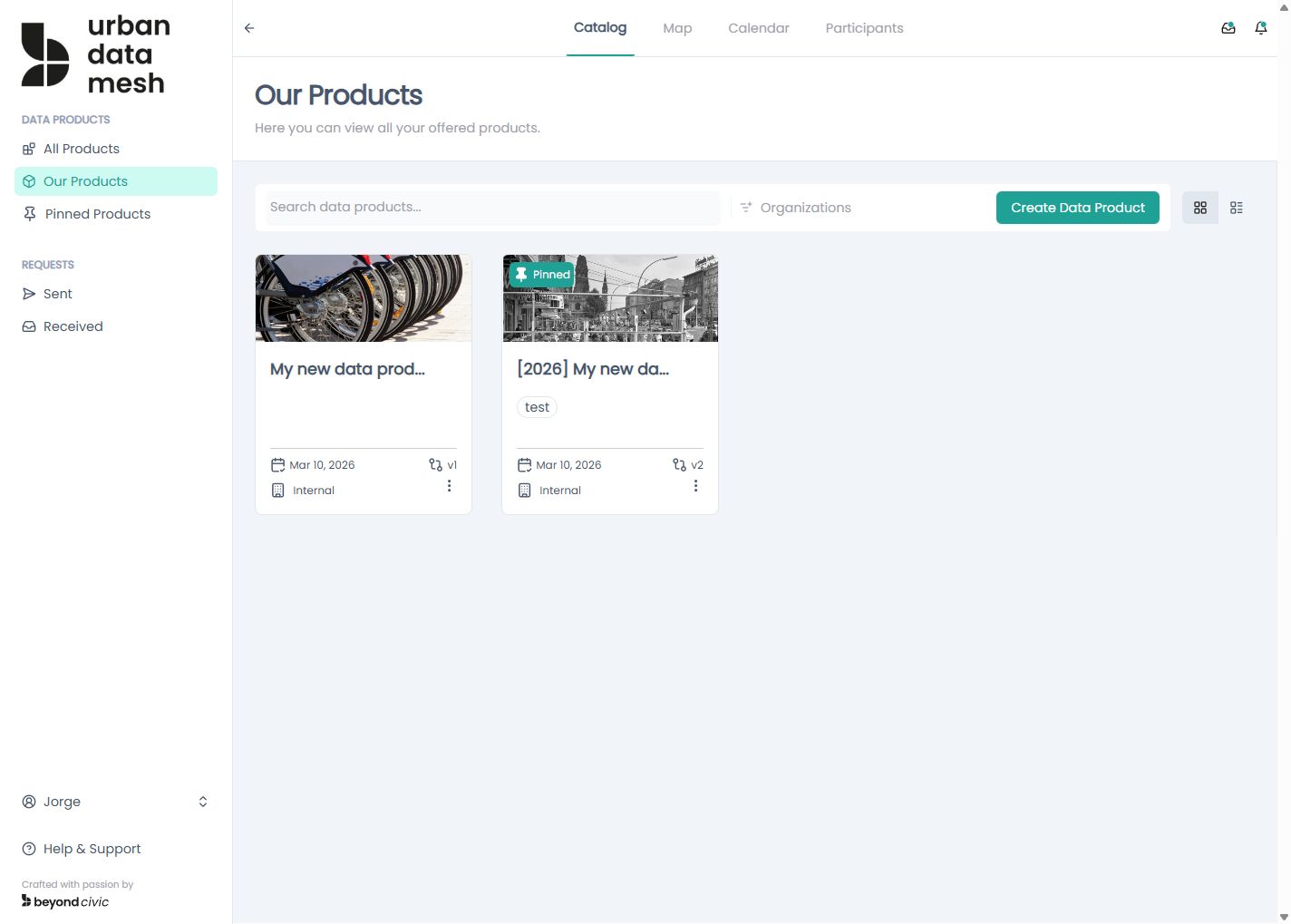
draft → published → (phased out)| Status | Description |
|---|---|
draft | Being edited; not visible in the marketplace |
published | Live and discoverable; consumers can request access |
phased-out | No longer active; historical record is preserved |
Draft
A blank draft is created when you click New Product in Our Products. Only draft versions can be edited or deleted. Calling DELETE /api/products/{productversionid} only succeeds if the version is still in draft status.
Publishing
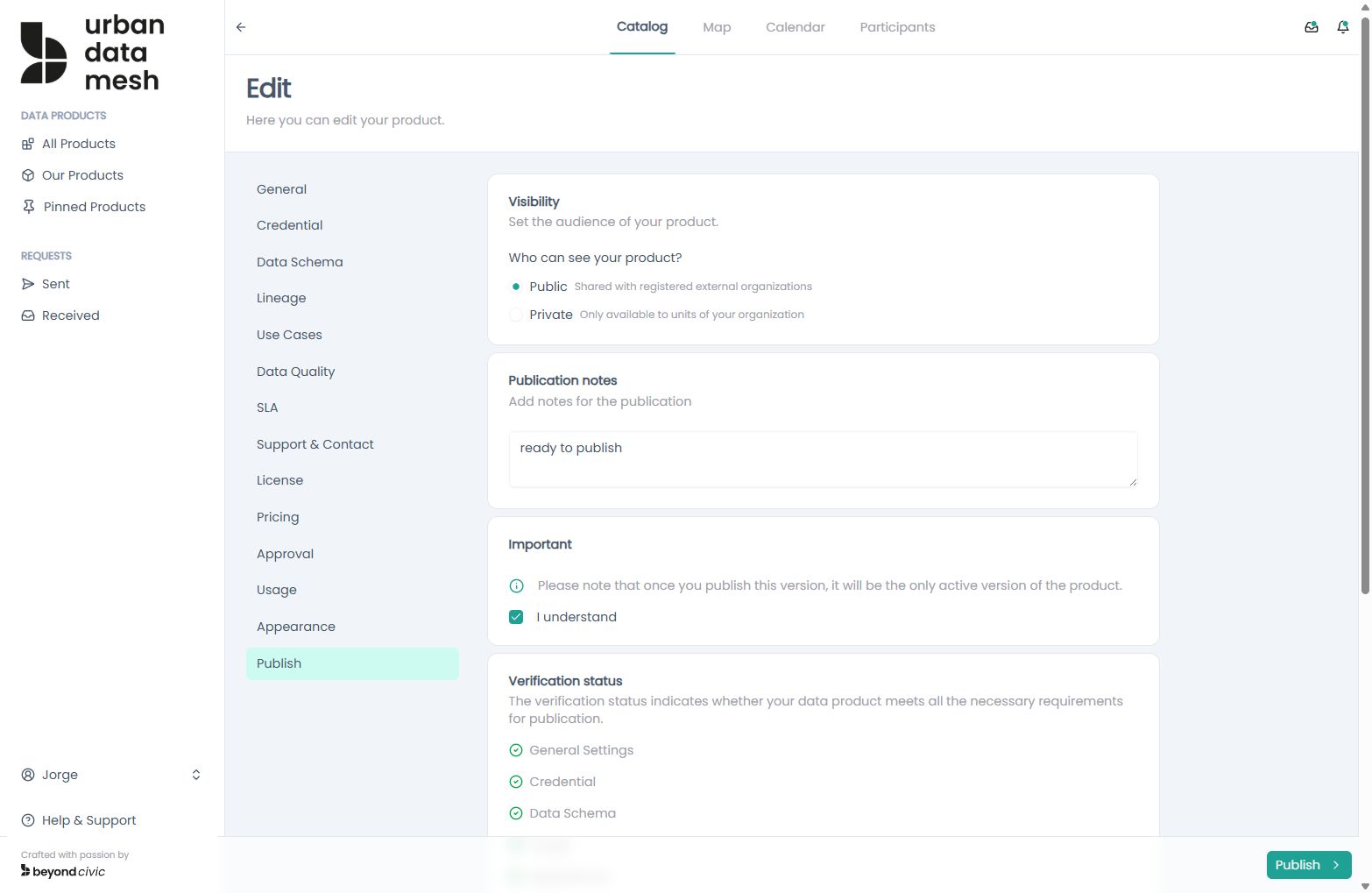
Call POST /api/products/{productversionid}/publish. Before publishing, validate readiness with GET /api/products/{productversionid}/publication-status, which returns:
{
  "value": {
    "general": true,
    "credential": true,
    "schema": true,
    "usage": false,
    "appearance": true
  }
}
All five sections must be true to publish.
Versioning
Once a product is published, you can create a new draft version from it without unpublishing:
POST /api/products/{productid}/draft-new-versionThis clones the published version as a new draft with version + 1. The original published version remains active until the new draft is published and set as active.
Phasing out
POST /api/products/{productid}/phase-outSets the product status to phased-out. Existing consumer agreements are preserved in the audit trail.
Metadata sections
Each section maps to a JSONB column in the database and a dedicated GET/PUT endpoint.
General Info
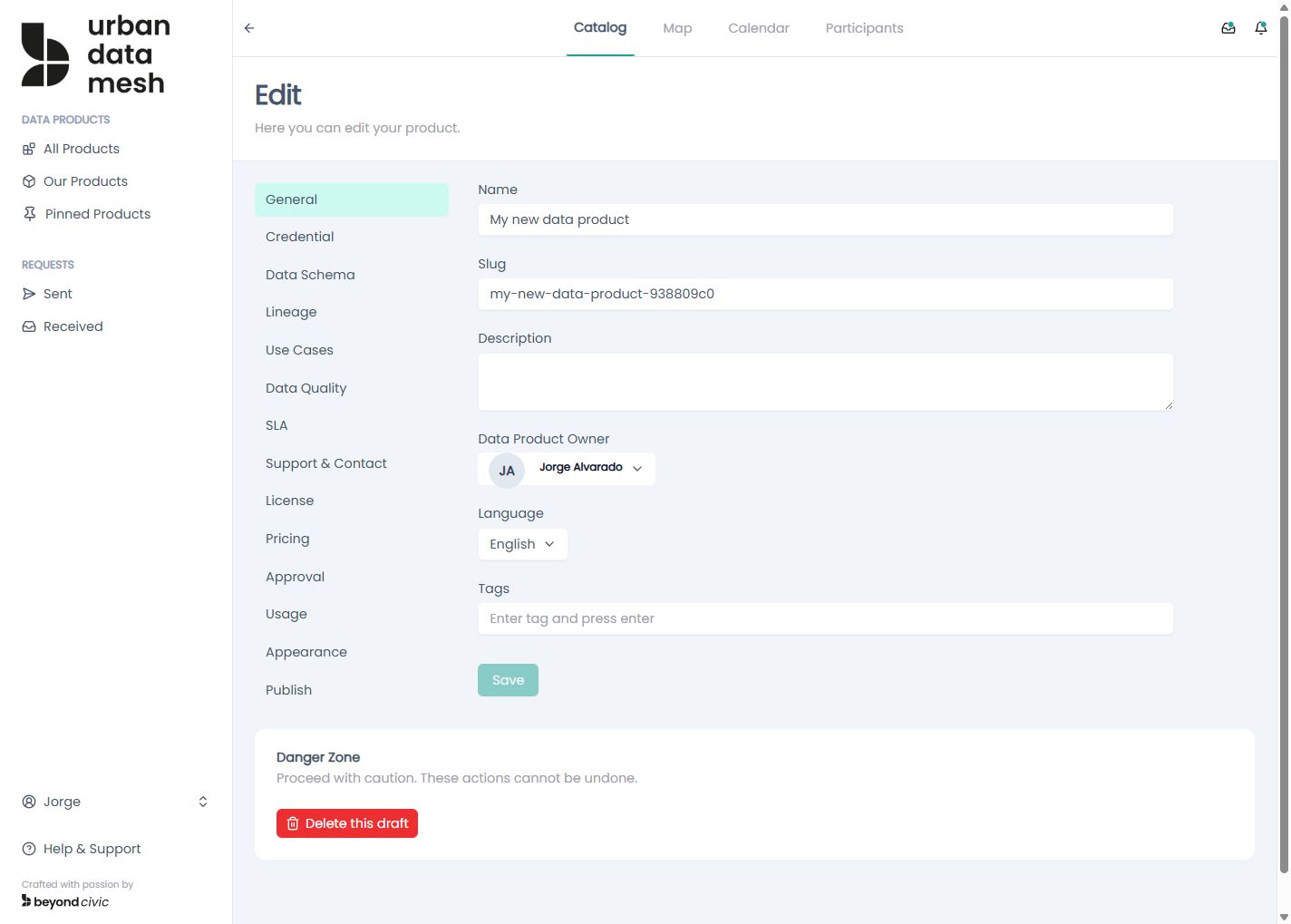
GET/PUT /api/products/{productversionid}/general-info
| Field | Type | Description |
|---|---|---|
name | string | Display name |
slug | string | URL-safe identifier |
lang | string | Language code (e.g. en) |
description | string | Full description |
value_proposition | string | Short value statement |
tags | string[] | Searchable tags |
categories | string[] | Category classifications |
standards | string[] | Applicable data standards |
type | string | Product type |
output_file_formats | string[] | Supported output formats |
Data Schema
GET/PUT /api/products/{productversionid}/data-schema
An array of column definitions:
[
  { "name": "id", "type": "INTEGER", "description": "Primary key" },
  { "name": "created_at", "type": "TIMESTAMP", "description": "Row creation time" }
]
Credentials
GET/PUT /api/products/{productversionid}/credentials-info
Describes how consumers connect to the underlying data source. Loaded into the DuckDB connection pool at startup for direct query support.
{
  "category": "object-storage",
  "type": "s3",
  "details": {
    "accessKey": "...",
    "secretKey": "...",
    "bucket": "my-bucket",
    "region": "us-east-1",
    "format": "parquet"
  }
}
Supported credential categories include object storage (S3, Azure Blob), HTTP endpoints, and SOAP services. The details object is free-form; the required keys depend on the storage type.
Usage Info
GET/PUT /api/products/{productversionid}/usage-info
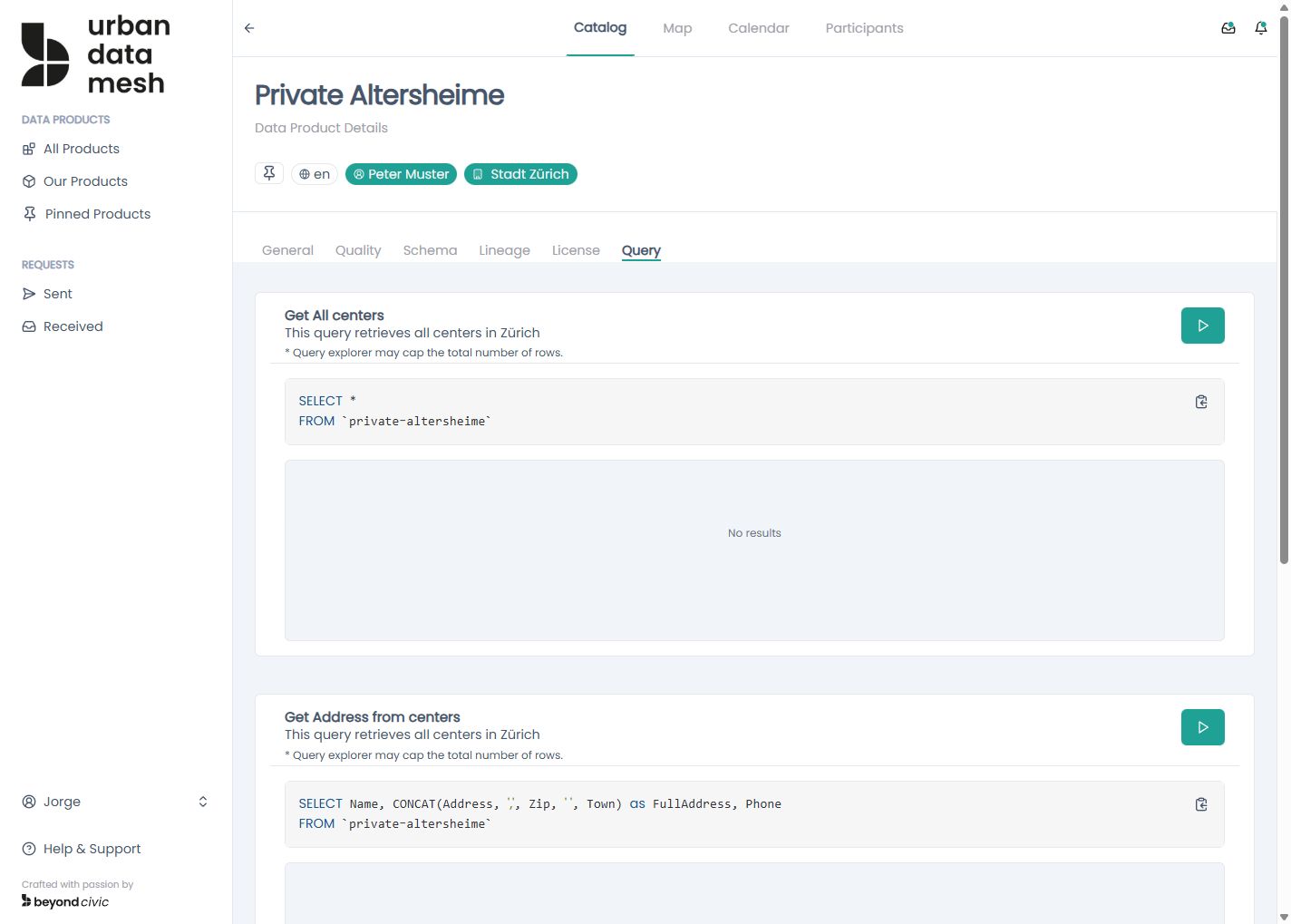
Defines named SQL queries consumers can run via JSON-RPC or MCP:
{
  "description": "...",
  "queries": [
    {
      "code": "list_recent",
      "name": "Recent Records",
      "description": "Returns records from the last 30 days",
      "has_geo": false,
      "has_duration": false
    }
  ]
}
Each query with has_geo: true contributes to GET /api/geo-products (map view); queries with has_duration: true contribute to GET /api/time-products (calendar view).
To validate a SQL statement before saving, call:
POST /api/products/{productversionid}/validate-sqlSLA
GET/PUT /api/products/{productversionid}/sla
{
  "latency": "< 200ms",
  "uptime": "99.9%",
  "error_rate": "< 0.1%",
  "response_time": "< 500ms"
}
Data Quality
GET/PUT /api/products/{productversionid}/data-quality
{
  "processing_frequency": "daily",
  "timeliness": "T+1 business day",
  "accuracy": "99%",
  "completeness": "98%",
  "consistency": "high",
  "validity": "validated against schema",
  "uniqueness": "primary key enforced"
}
License
GET/PUT /api/products/{productversionid}/license
{
  "scope": {
    "rights": ["read", "analyse"],
    "exclusive": false,
    "permanent": false,
    "geographical_area": ["EU"]
  },
  "governance": {
    "applicable_laws": ["GDPR"],
    "confidentiality": "restricted"
  },
  "termination": {
    "notice": "30 days",
    "conditions": ["breach of terms"]
  }
}
Pricing
GET/PUT /api/products/{productversionid}/pricing
{
  "name": "Standard",
  "price": 0.0,
  "currency": "EUR",
  "payment_frequency": "monthly",
  "features": ["Full read access", "API access"]
}
Approval Info
GET/PUT /api/products/{productversionid}/approval-info
Controls how access requests are evaluated:
{
  "requires_manual_approval": true,
  "requires_additional_info": false,
  "requires_signature": false
}
When requires_manual_approval is false, access requests are auto-granted immediately upon submission.
Support
GET/PUT /api/products/{productversionid}/support
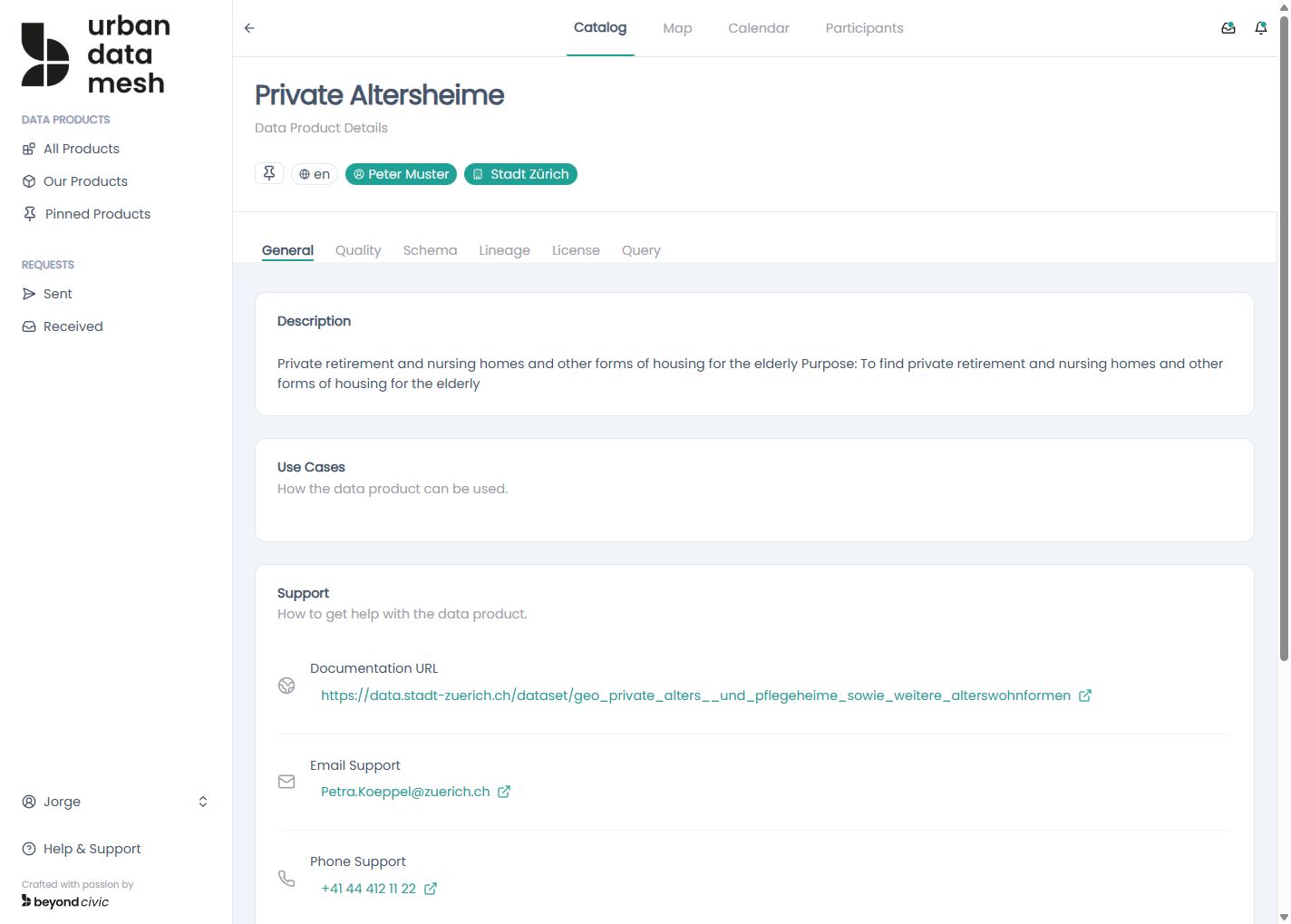
Contact and support channel information.
Use Cases
GET/PUT /api/products/{productversionid}/use-cases
An array of { title, description } entries describing intended uses.
Lineage
GET/PUT /api/products/{productversionid}/lineage
Documents upstream sources and the target output:
{
  "sources": [
    { "id": "src-1", "label": "CRM Database", "description": "Customer records" }
  ],
  "target": { "id": "tgt-1", "label": "Customer Analytics", "description": "Processed output" }
}
Cover Image
GET/PUT /api/products/{productversionid}/cover
Binary upload or hotlink. Use GET /api/images/previews?search=<term> to search Unsplash (requires Unsplash integration to be enabled in Settings → Apps).
Pinning products
Any authenticated user can pin a product to their personal dashboard:
PUT /api/products/{productversionid}/pinPinned products appear in GET /api/products?filter=pinned and on the user overview page.
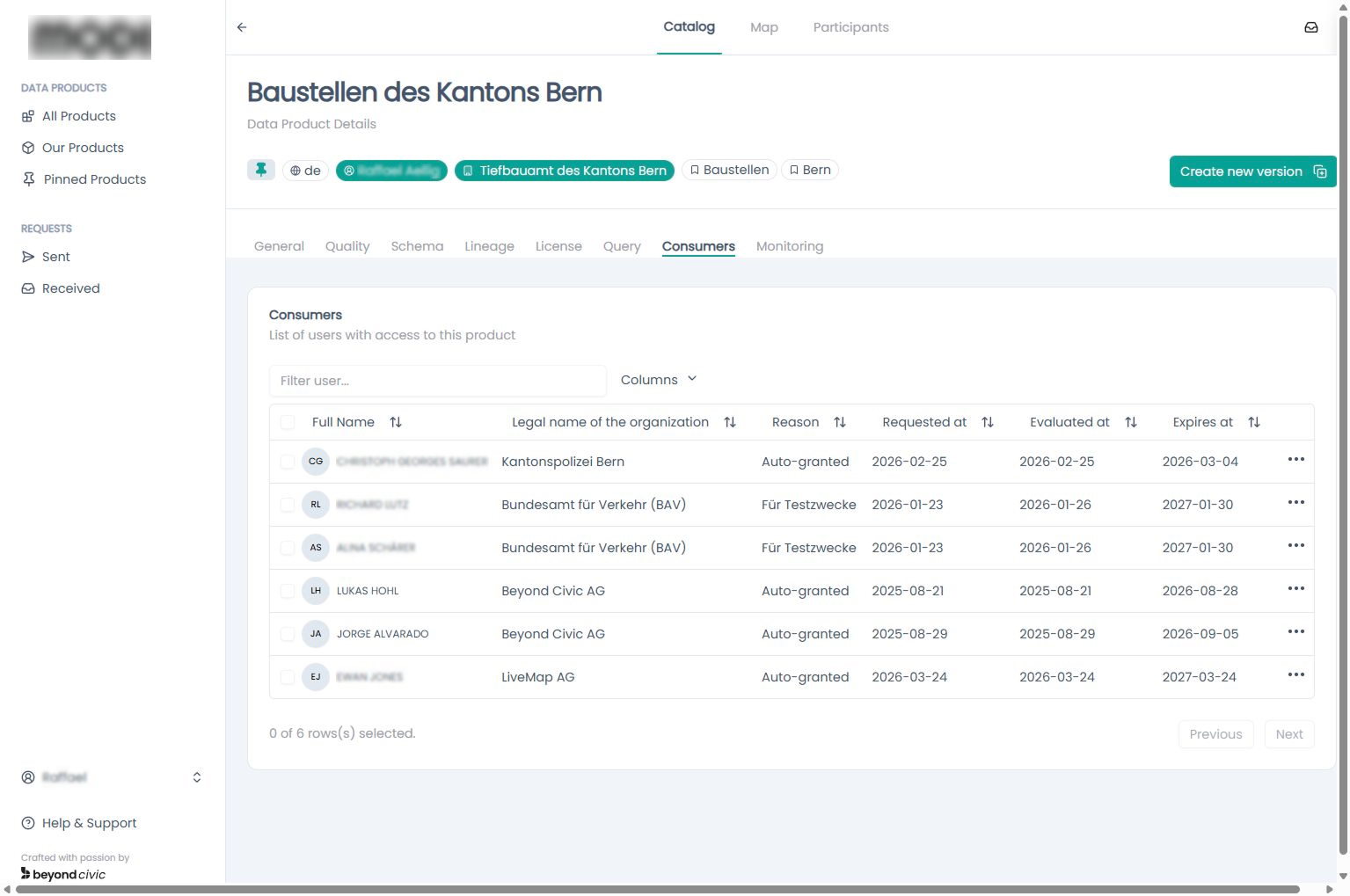
Data Consumers
Data providers can monitor who currently has access to their data products. The consumers list shows all active agreements — including the consumer’s organisation, grant date, and expiry — giving providers full visibility over who is using their data.
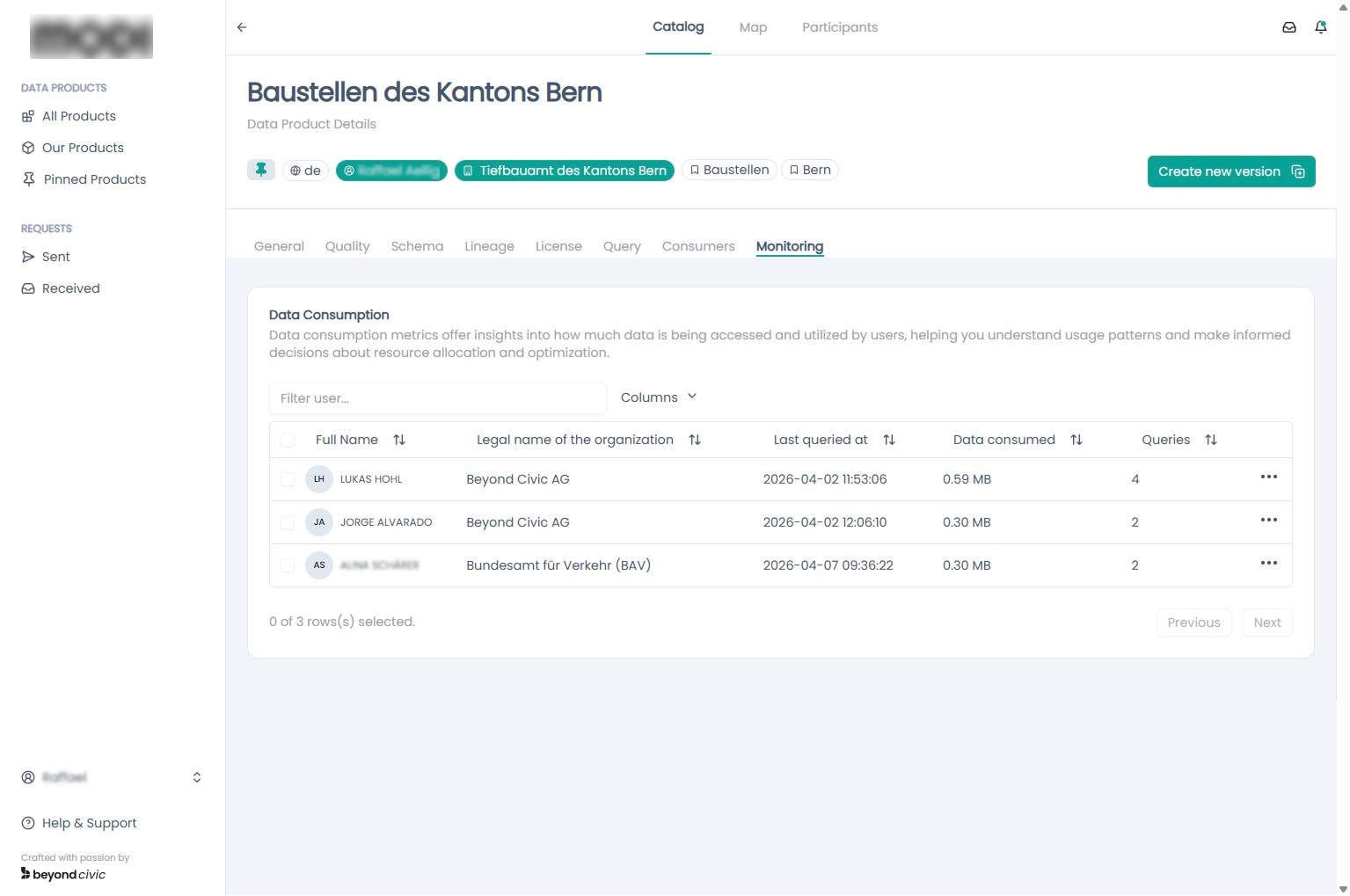
Data Consumption
Data providers can track how much data they have delivered across their products. The consumption view aggregates query activity and data volume over time, helping providers understand usage patterns and fulfil SLA commitments.
Sending messages to consumers
Providers can broadcast a message to all active consumers of a product:
POST /api/products/{productversionid}/messagesMessages appear in each consumer’s Inbox.