Access Management
TrustRelay manages access to data products through a structured request-and-evaluation workflow, and onboards new participants through an invitation system.
Access requests
A Product Access Request is raised when a consumer wants to use a published data product. The provider (the product owner or deputy) then approves or denies the request.
Submitting a request
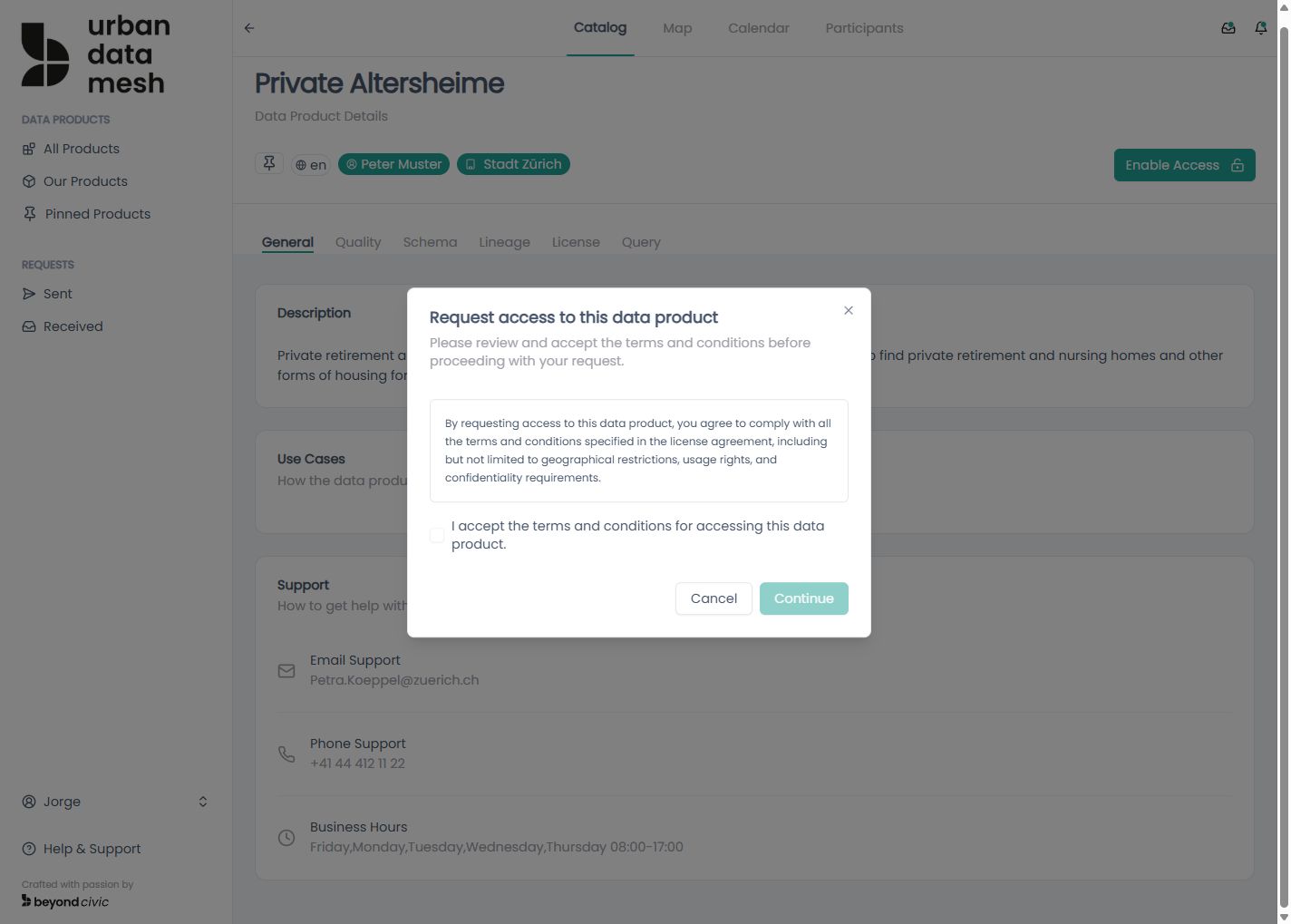
POST /api/sent-requests
Content-Type: application/json

{
  "data_product_version_id": "uuid"
}
Submitting a new request for the same product version automatically voids all previous requests from that consumer for that version before inserting the new one.
Auto-grant
If the product’s requires_manual_approval flag is false, the system immediately grants access without any provider action:
evaluated_byis set to the product ownerevaluation_reasonis set to"Auto-granted"- Access expires in 365 days from the grant date
Request statuses
| Status | Set by | Meaning |
|---|---|---|
PENDING | System on POST | Awaiting provider evaluation |
GRANTED | Provider or system (auto-grant) | Access approved |
DENIED | Provider | Access rejected |
TERMINATED | Provider or consumer | Active agreement ended |
SUSPENDED | Provider | Active agreement paused |
Evaluating a request (provider)
Only PENDING requests can be evaluated. A user cannot evaluate their own request.
PUT /api/received-requests/{requestid}/evaluation
Content-Type: application/json

{
  "reason": "Approved for internal analytics use.",
  "granted": true
}
Cancelling a request (consumer)
DELETE /api/sent-requests/{requestid}Terminating an agreement
Consumer terminates their own agreement:
POST /api/products/{productversionid}/terminate-my-agreementProvider terminates a consumer’s agreement:
POST /api/products/{productversionid}/consumers/{consumerid}/terminate-agreementBoth set the request status to TERMINATED.
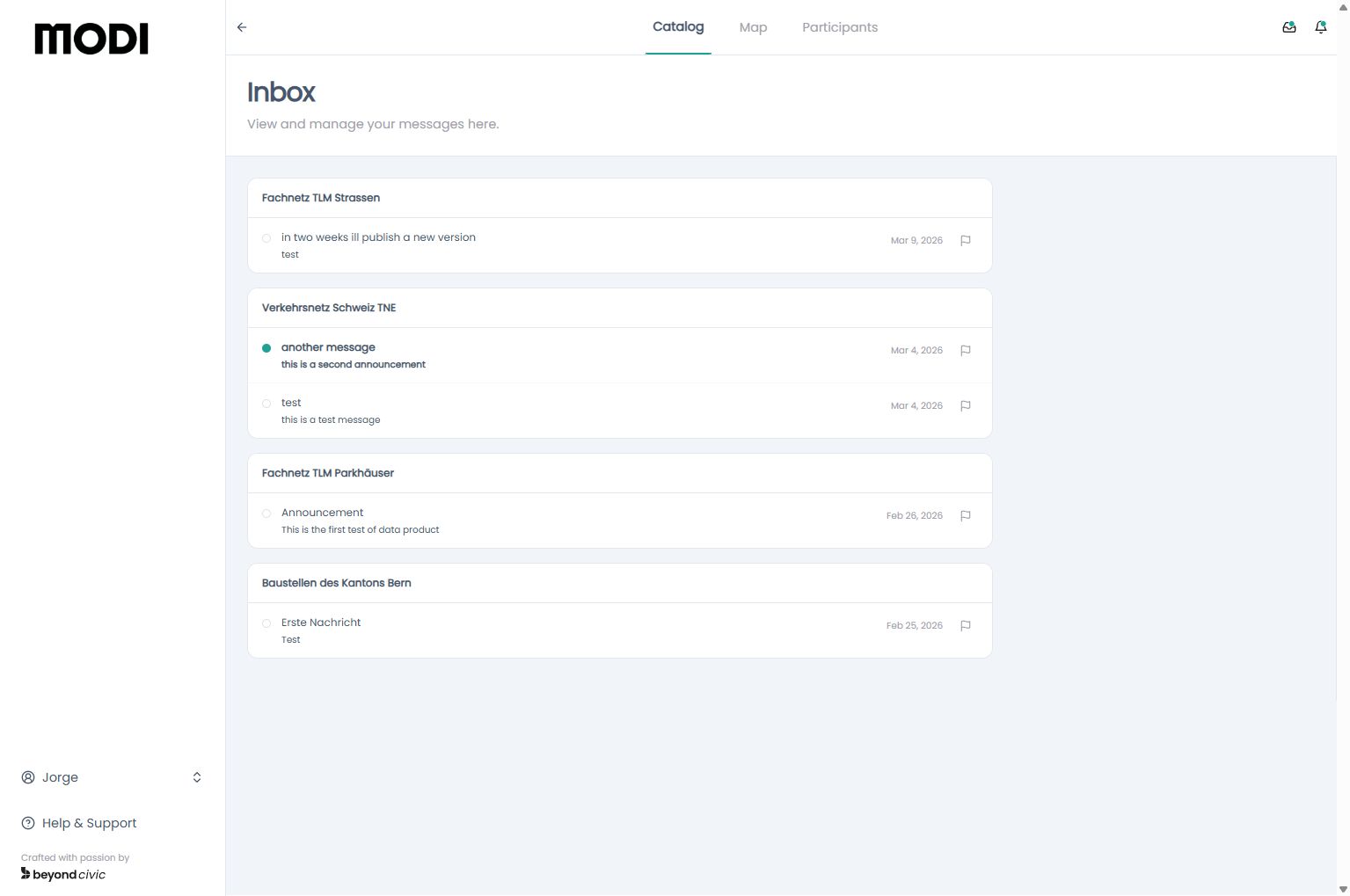
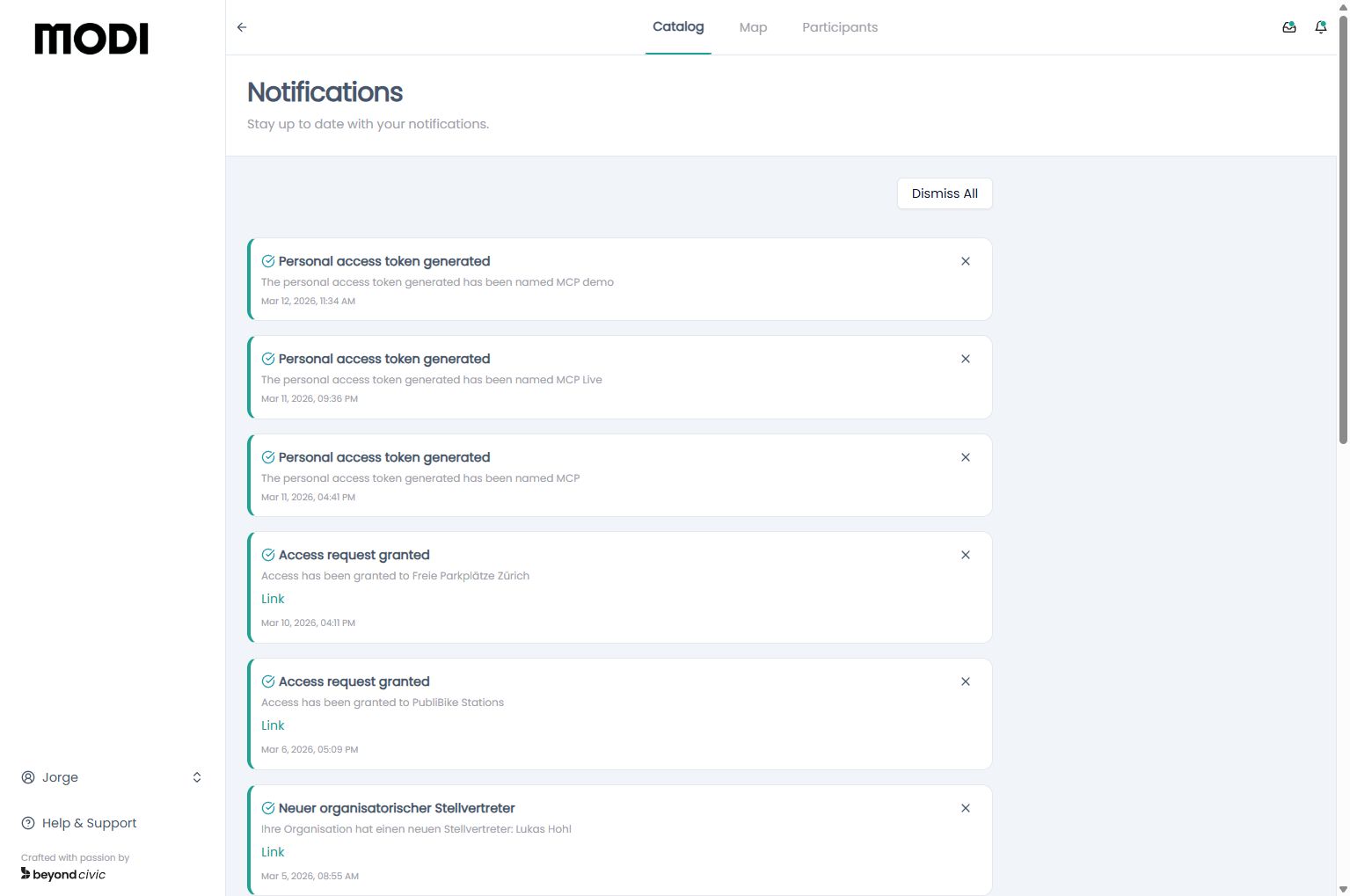
Viewing requests
| Endpoint | Who sees it |
|---|---|
GET /api/sent-requests | Consumer — their own submitted requests |
GET /api/received-requests | Provider — requests for products owned by their organisation |
Invitations
Invitations are the only way to add new users and organisations to the platform. There is no open self-registration.
Types
| Type | Who uses it | Effect on acceptance |
|---|---|---|
as-org-owner | Platform admin inviting a new organisation | Creates the organisation and the invitee’s user account simultaneously |
as-user | Org owner/deputy inviting a colleague | Creates the user account and adds them to the sender’s organisation |
Creating an invitation
Platform admin — invite a new organisation:
POST /api/invitations
Content-Type: application/json

{
  "email": "cto@partner-org.com",
  "type": "as-org-owner"
}
Org owner — invite a user to your org:
POST /api/org-invitations
Content-Type: application/json

{
  "email": "colleague@my-org.com"
}
Invitation flow
- An invitation record is created and an email is sent to the invitee (if email integration is configured).
- The invitee visits
/invitation/[token]— a public page that does not require login. GET /api/invitations/{token}loads the invitation details.- The invitee completes the form and submits
POST /api/invitations/{token}/accept. - On success, their account (and organisation for
as-org-ownertype) is created and they are redirected to login.
Managing invitations
# List recent invitations created by the current user (last 30 days)
GET /api/invitations

# Cancel an invitation before it is accepted
DELETE /api/invitations/{invitation_id}
Organisations
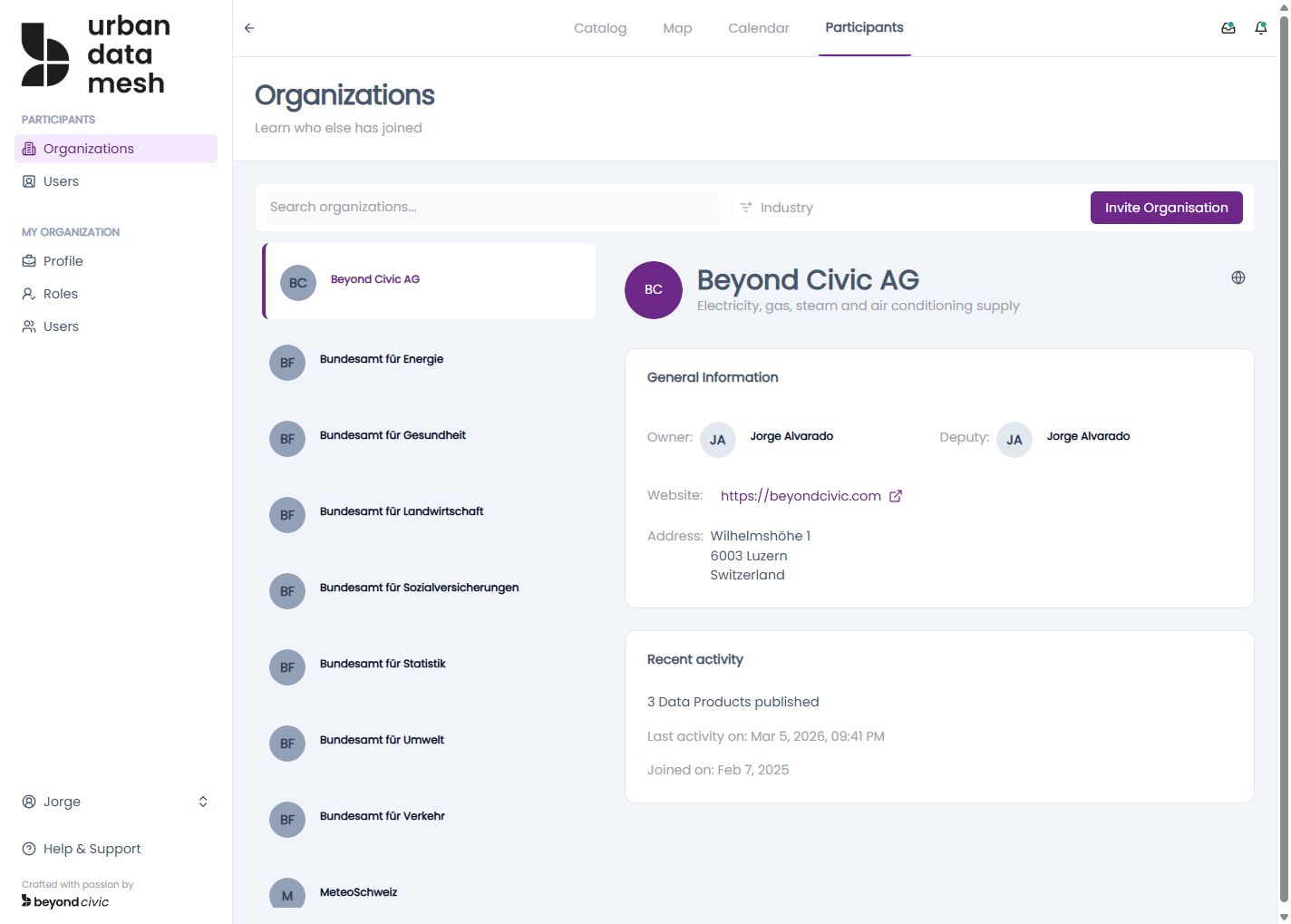
Organisations are the primary grouping unit in TrustRelay. Each user belongs to exactly one organisation.
Roles within an organisation
| Role | Description |
|---|---|
| Owner | Created when the org is accepted via invitation; has full control |
| Deputy | Designated by the owner; can publish products and evaluate requests |
| Member | Regular user within the organisation |
| External | Users in organisations flagged as is_org_external |
Anchor organisation
One organisation on the platform can be designated as the Anchor — typically the platform operator. The anchor org has elevated visibility and governance responsibilities.
Organisation profile
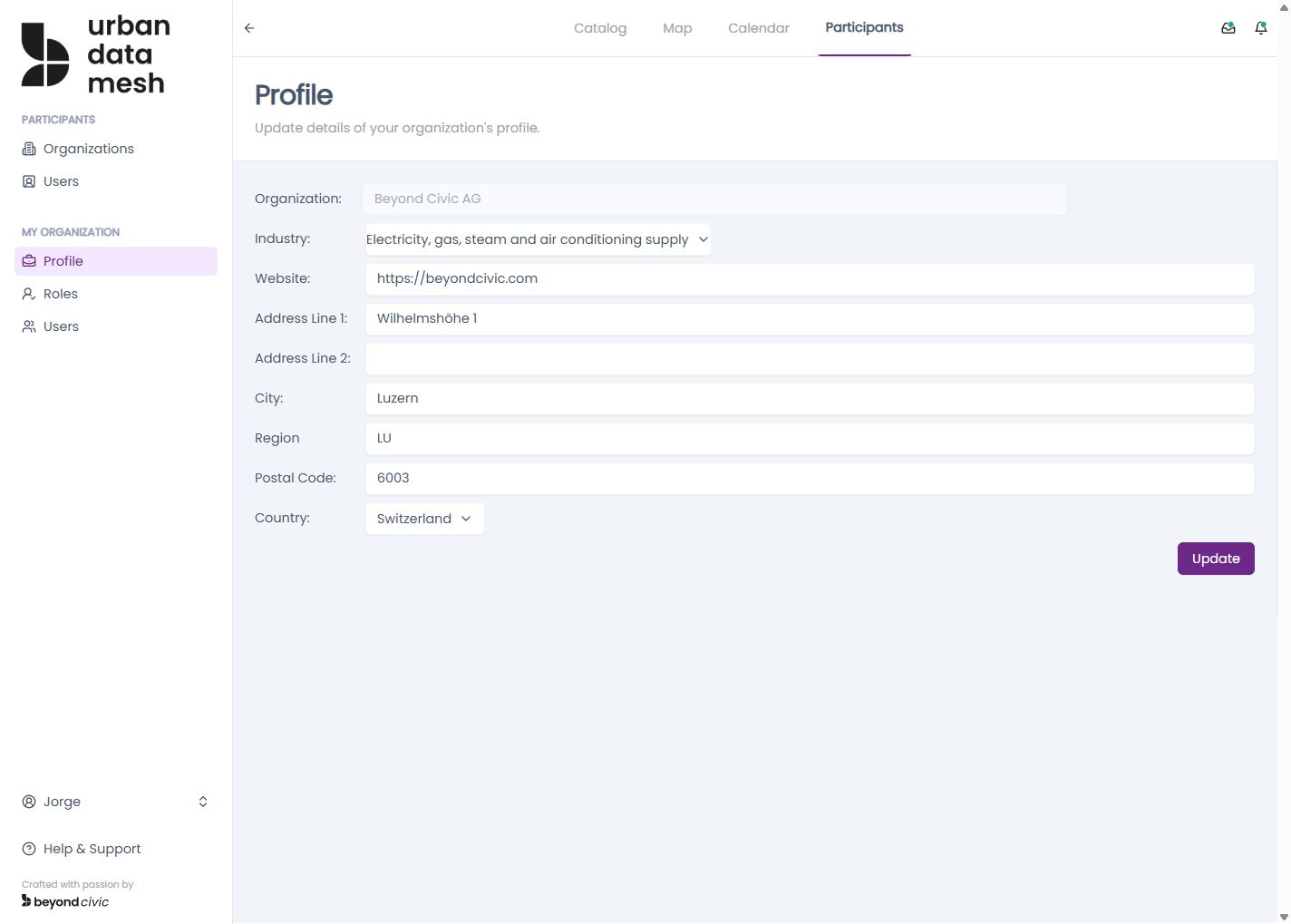
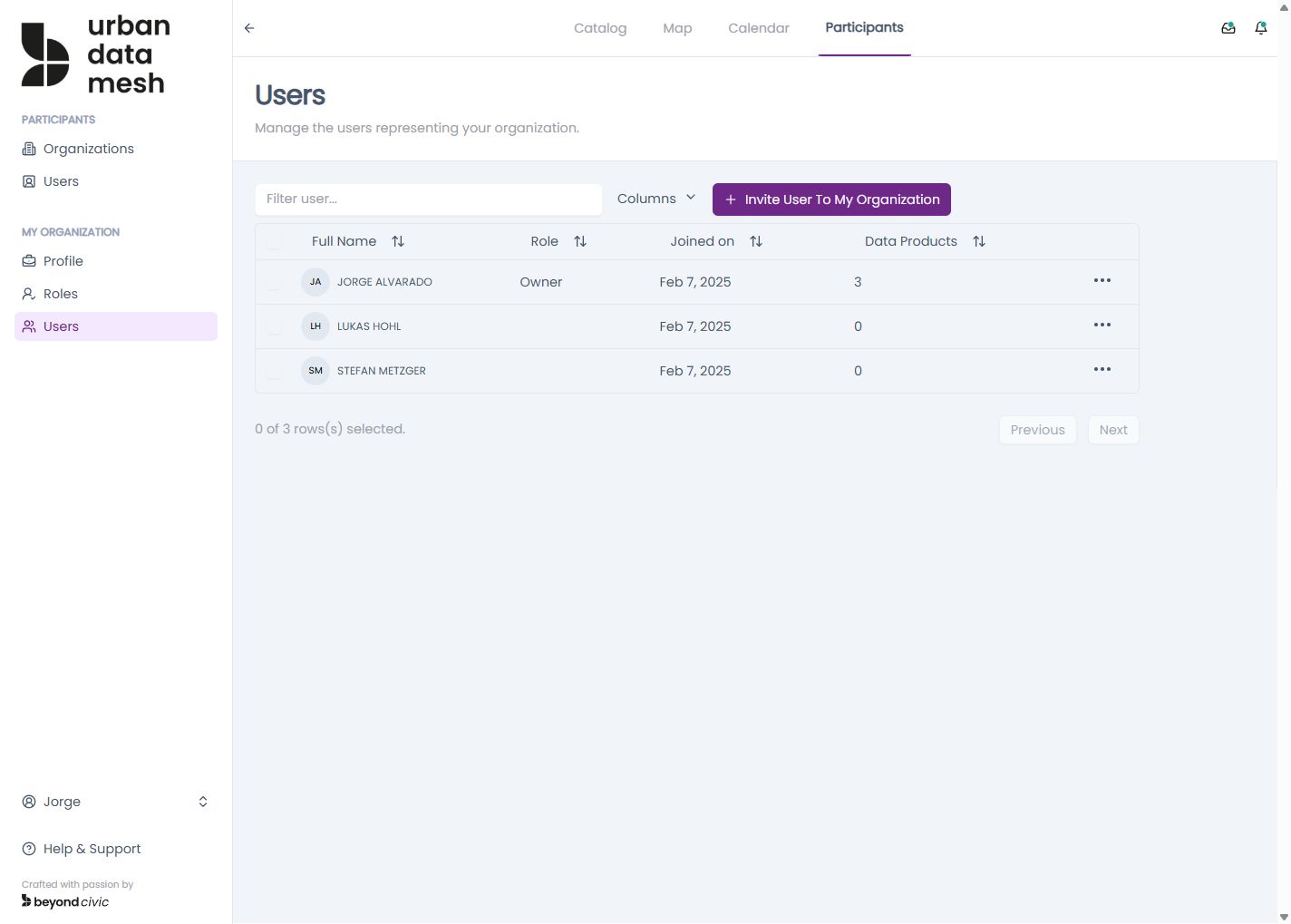
# Get own organisation (owner/deputy view)
GET /api/organisation

# Update organisation details
PUT /api/organisation

# Update org roles (owner, deputy)
PUT /api/organisation/roles

# List org members
GET /api/organisation/members